Skip to content
Onboarding

8 Articles

8 Articles

Training

  • OnboardingTraining

    What is the onboarding process like?

    Onboarding runs in four phases: a review of your business process, a merchant application, a data migration, and training delivered in person or remotely. A professional CPA is your onboarding lead through every one of them, making sure data is cleansed and validated and that go-live actually holds. That is a deliberate choice — the person moving your books is a qualified accountant rather than an implementation coordinator following a script.
  • OnboardingTraining

    How many hours will my team have to spend on onboarding?

    Plan for roughly two to three hours of your key people's time for the business process review, several hours a week for two to three weeks during data migration, and up to six hours of training split between accounting and operations. This is the question we are asked most often, and the honest framing is that switching platforms costs your team real time — the four-phase structure exists to make that time predictable rather than open-ended.

  • OnboardingTraining

    What does the training actually look like?

    Training is tailored to the people, process and portfolio of each customer, delivered in person at your office or ours, or remotely. It walks through the full functionality of the platform and works through the specific use cases from your operation, which have already been identified in the earlier phases of onboarding. No two trainings are the same, because no two portfolios operate the same way.

  • OnboardingTraining

    What happens if my team forgets something after training?

    You keep access to video tutorials and documentation, and a dedicated support team reachable by phone, email or the online ticketing system. For the first 45 days after go-live, a dedicated onboarding specialist runs weekly check-ins with you and your team to make sure things are going the way you expected. Support does not end when onboarding does.

  • OnboardingTraining

    Is this system designed to be used by everyone on my team?

    Yes — Kompas is built for accounting, property management, maintenance and back-office staff alike, with role-based access shaping what each person sees. The interface was designed so members of your team can be trained and become confident on the system quickly rather than only one specialist knowing how to drive it. Training is split into an accounting part and an operations part for exactly this reason.

  • OnboardingTraining

    Who actually runs my onboarding?

    A Chartered Professional Accountant leads your onboarding from the business process review through to go-live. That means the person moving your books understands what a trial balance is supposed to look like when it lands, and stays with your team until the new system is running. It is a deliberate difference from implementations staffed by coordinators working through a checklist.

  • OnboardingTraining

    Do I need accounting experience to run Kompas?

    No — the platform is built for accounting, property management, maintenance and back-office staff alike, and training is split into an accounting part and an operations part so people learn the half they actually use. Your onboarding is led by a CPA, which means the accounting structure is set up correctly before your team touches it. What the system will not do is replace the judgment of an accountant at year end.

  • OnboardingTraining

    Does support end once I am live?

    No — a dedicated onboarding specialist runs weekly check-ins with your team for the first 45 days after go-live, and the dedicated support team, video tutorials and documentation remain available after that. The handoff from onboarding to support is a step in the process rather than the end of the relationship. Premium subscribers carry a 24-business-hour response commitment on top.

More in Onboarding


Kompas is built by property managers who’ve scaled real portfolios. We’re secure, open to the tools you already use, and ready for the people who depend on it.

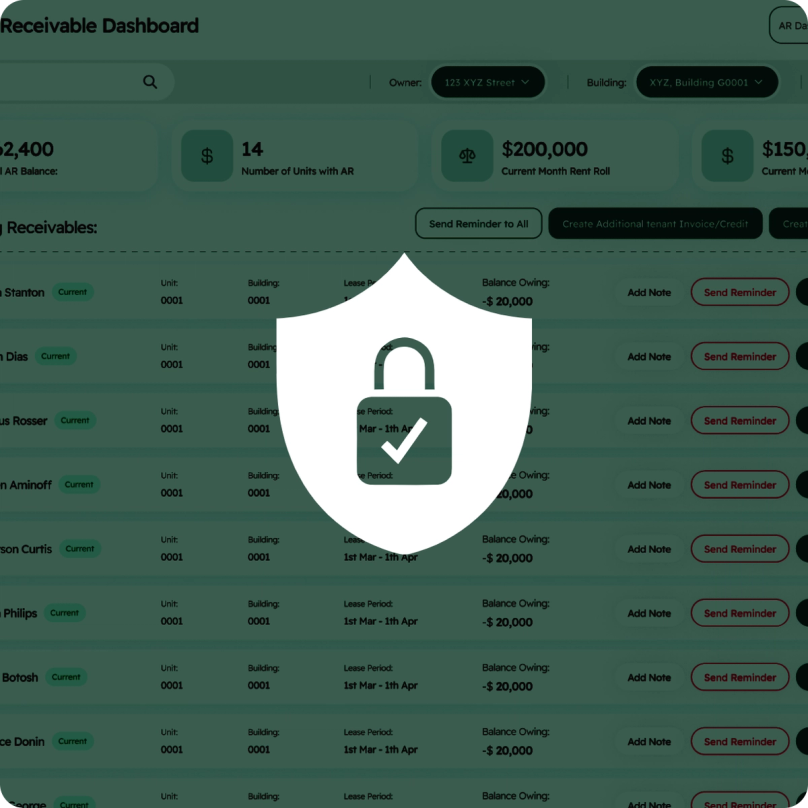
A security shield with a padlock over the Kompas receivables dashboard

Secure And Audit-Ready

Your financial and tenant data is encrypted on Canadian servers, with role-based access and SOC 2 compliance. Every document and change is logged, so the paper trail is always there when an owner or auditor asks.

Synced reporting, bank reconciliation and cash flow entries above a sample of API code

Open API Integration

An open API with two-way sync keeps Kompas in step with the tools you already use. You can even connect your data to the AI assistant of your choice to analyze it in ways legacy software couldn’t.

The Kompas sign-in screen over a list of imported units

Onboarding in Weeks, Not Months

Our Chartered Professional Accountants move your books over accurately, verify every number, and stay with your team until the new system is running and everyone’s confident in it.

The Kompas tenant portal on a phone

A Home For Your Tenants

Residents pay rent, access their lease, and submit repairs from a self-service portal. No more late-night texts to your cell, and better communication for everyone. Because happier tenants who can help themselves are tenants who renew.