

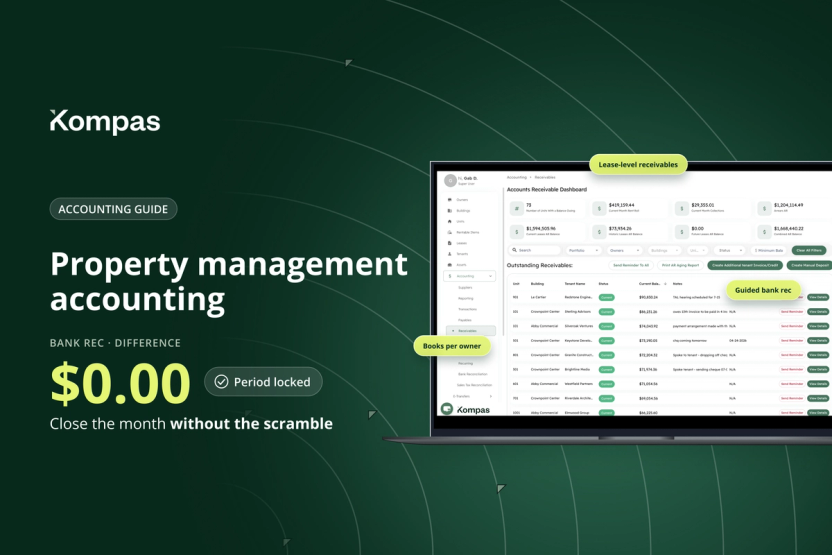
Property management accounting software: a buyer's checklist for finance teams
Ten things to check, the demo scenarios that expose weak accounting, and what a clean migration looks like, from a team that built its software accounting-first.
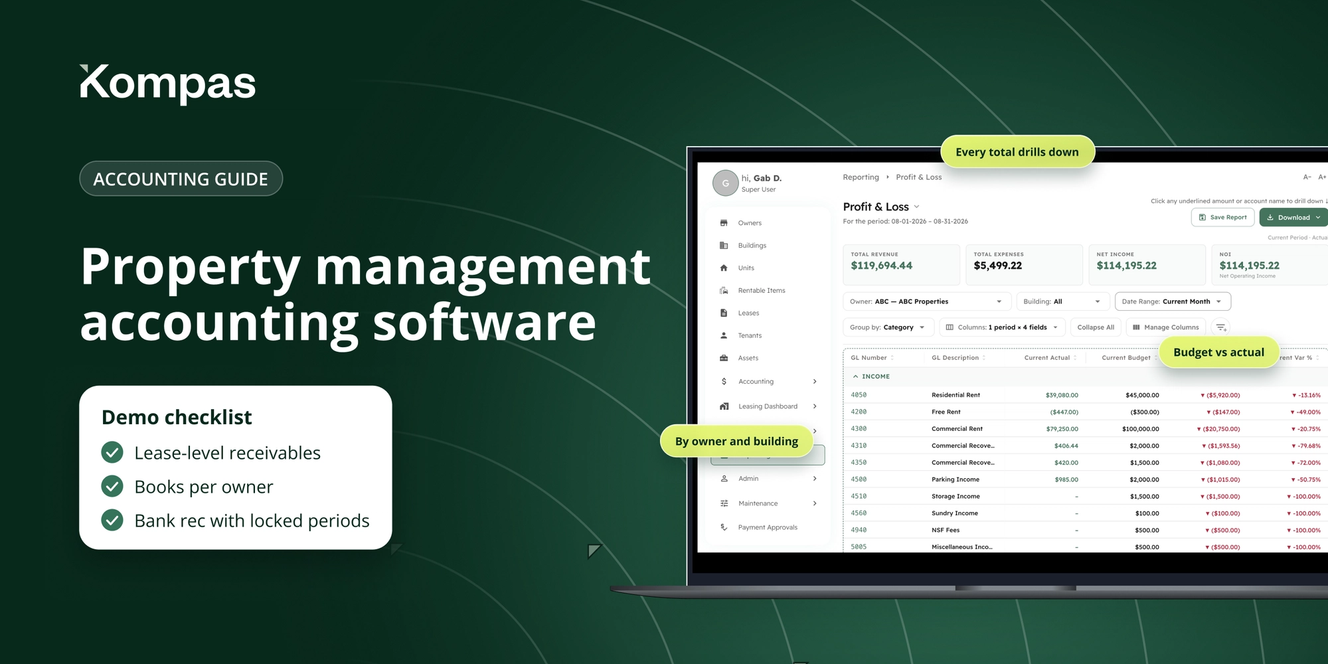
General-purpose accounting software can run a handful of units owned by one entity. Past that, someone starts keeping a separate rent roll, re-keying payments and reconciling by hand, and the controller stops trusting a report until they've checked it twice. This checklist covers what property management accounting software should do, how to test it in a demo and what a clean migration looks like.
What is property management accounting software?
Property management accounting software records rent, payments, vendor bills and bank activity in a double-entry general ledger, with receivables by lease, books per owner and reports by building. Unlike general-purpose accounting software, it understands leases, owners and buildings, so operations and accounting share one record.
Do you need it, or is general accounting software enough?
General accounting software can be enough for a small portfolio held by one owner. It stops being enough when you manage several owners, hundreds of leases, or commercial recoveries and sales tax. At that point a separate rent roll has to be kept by hand, so reconciliation is manual by definition.
Signs you've outgrown it
- A rent roll outside the ledger: someone keeps it in a spreadsheet and ties it out every month.
- Re-keyed payments: rent is typed in from the bank or the inbox instead of posting itself.
- Owner statements built by hand: each owner's numbers are assembled in a spreadsheet.
- Tax and recoveries worked out on the side: commercial recoveries and sales tax live in separate files.
What should property management accounting software do?
At minimum: track receivables by lease, keep separate books for each owner, post operational activity to the ledger automatically, reconcile banks with locked periods, handle Canadian sales tax and produce reports you can drill into. Use the table below as your scorecard. Each of these feeds the four monthly tie-outs that prove your books are right.
| What to check | Why it matters | Ask in the demo |
|---|---|---|
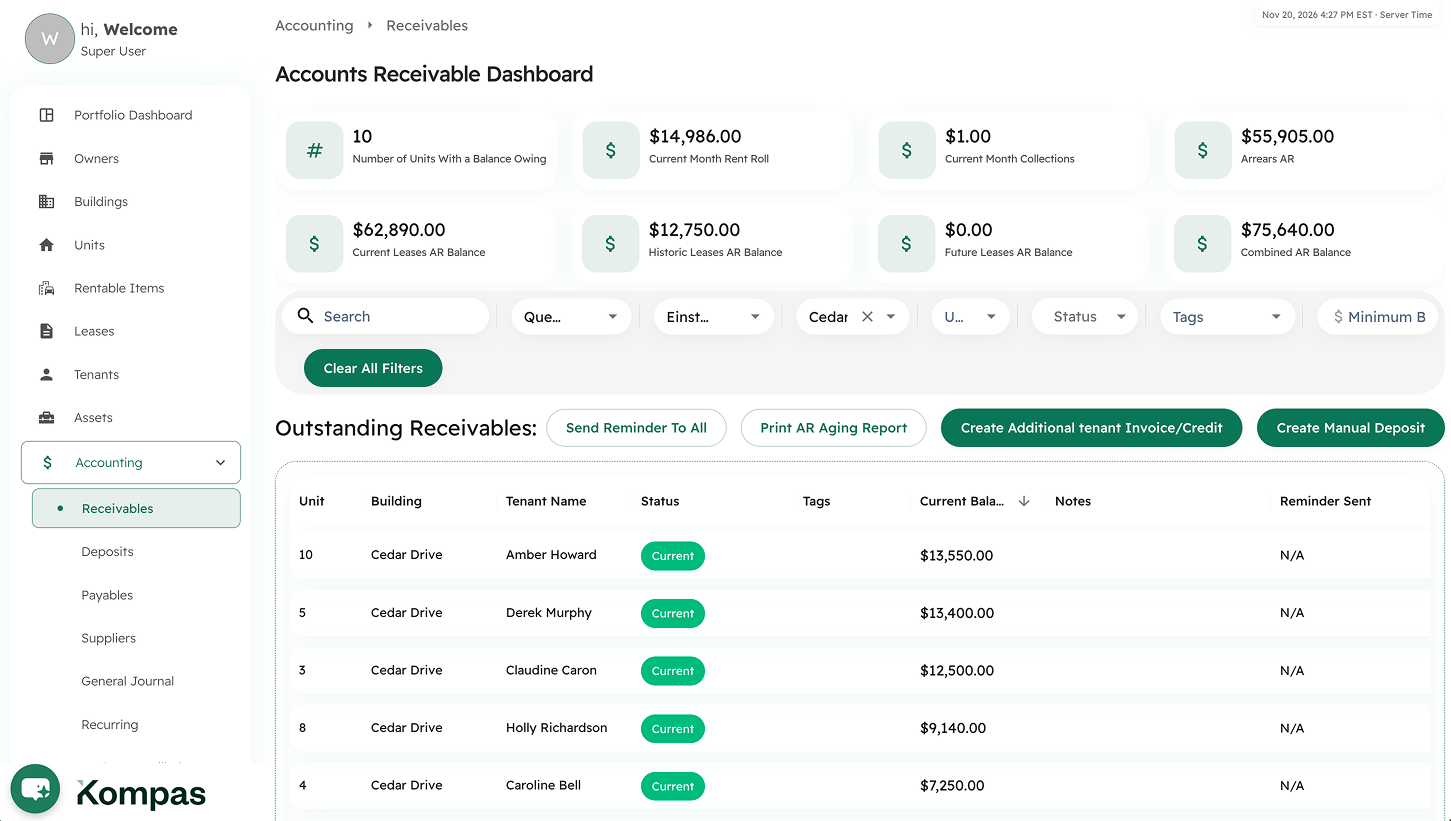
| Lease-level receivables | Each tenant balance should roll up to the receivables control account, or aging and the ledger drift apart | Show me a tenant balance and the control account it rolls into |
| Separate books per owner | Each owner needs its own chart of accounts, bank accounts and statements | Can two owners have different charts of accounts? |
| Automatic posting | Rent charges, payments and vendor invoices should reach the ledger without re-entry | Which actions create ledger entries without me touching the ledger? |
| Payment matching | Unmatched payments are where month-end time goes | What happens to an e-Transfer from an unknown sender? |
| Bank reconciliation | You need a guided workflow, a list of outstanding items and a period you can lock | Can I lock a month, and what happens if I try to change it? |
| Payables with approvals | Invoices coded by building and unit, approved by role, paid by EFT or cheque | Who can approve an invoice, and who can release the payment? |
| Canadian sales tax | GST, HST, PST or QST on commercial leases, input tax credits and a reconciliation | How do you handle partial input tax credits on a mixed-use building? |
| Commercial recoveries | Operating cost recoveries, CAM reconciliation and a year-end true-up invoice | Show me a year-end recovery true-up |
| Reports with drill-down | Profit and loss by building, balance sheet, trial balance, aging, rent roll and budget versus actual | Click from a total down to the invoice behind it |
| Audit trail | Every change logged, with who made it and when | Show me the history of a transaction that was corrected |
What questions should you ask in a demo?
Ask to see your messiest scenarios, not the clean ones. A vendor's sample data always balances; yours has roommates, mixed-use buildings and last month's corrections.
- The unknown sender: a tenant pays from an account that isn't on the lease. Where does a payment from an unknown sender go, and who fixes it?
- The roommate split: two tenants share a unit and pay separately.
- The commercial lease: operating cost recoveries and a year-end true-up.
- The locked month: a transaction needs correcting after the period is closed.
- The drill-down: open a trial balance and click from a number to its source.
- The past rent roll: export the rent roll as of a date three months ago.
How should migration of accounting data work?
Good migration starts from your trial balance and your open tenant balances, checks them line by line and gets your sign-off before anything goes live. Ask how opening balances are imported, who validates the data and what happens if the numbers don't tie out.
How migration works at Kompas
- Opening balances: imported through your trial balance, with guided support for the rest of your data.
- Accountant review: Kompas's Chartered Professional Accountants review your chart of accounts, opening balances, sub-ledgers and cut-off.
- Validation: your team provides the data. Kompas verifies and validates it and tests it in a separate validation environment first.
- Your sign-off: data is imported to production only after you formally approve it.
- Typical go-live
- Under 30 days
- Portfolios under 100 units
- Typical go-live
- 4–6 weeks
- Around 500 units
- Go-live date
- The 1st
- Planned around the first of the month
How does Kompas approach property management accounting?
Kompas is property management accounting software built accounting-first: the general ledger sits at the centre, and every operational action creates a ledger entry. Rent, payments and vendor invoices post to the books without re-keying, and maintenance costs flow through payables to the ledger.
- Lease ledger: tenant balances roll up to the receivables control account.
- Books per owner: each owner has its own chart of accounts and bank accounts.
- Automatic reconciliation: PAD, EFT and Interac e-Transfer payments reconcile when they clear.
- Guided bank rec: seven steps, a PDF report and locked periods.
- Payables pipeline: invoices move from received to pending approval, approved, to be disbursed and paid. An AP approver can approve but not release payment. Payment is by EFT, cheque or manual.
- Sales tax: GST, HST, PST and QST, a sales tax reconciliation, and Yes, No or Partial input tax credit options on each invoice.
- Commercial: a recoveries engine for taxes, operating expenses, management and administration fees, utilities and additional rent, billed monthly or annually, with CAM reconciliation for the year-end true-up.
- Reporting: trial balance, balance sheet, profit and loss, general ledger detail, AR aging, AP listing, rent roll and budget reports export to PDF or Excel. Every transaction is tagged to a building, so each building gets its own profit and loss.
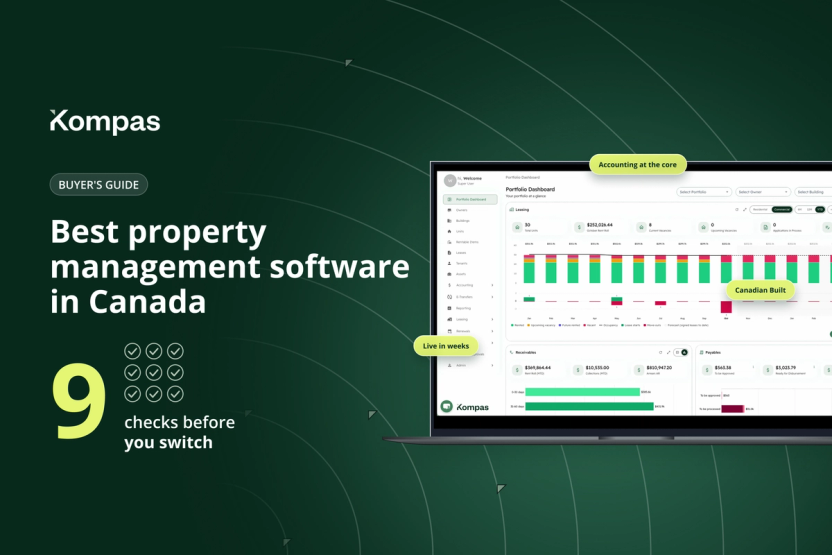
Kompas is built for residential, commercial, student and mixed-use portfolios.
Bring one tricky month and see how it posts, reconciles and locks in Kompas.
See it liveFrequently asked questions
It can for a small portfolio held by one owner. As you add owners, leases and commercial tax, you usually end up keeping a rent roll outside it and reconciling the two by hand.
A ledger account whose balance equals the total of its sub-ledger. Receivables is the common example: the sum of all tenant balances must equal it.
It should. Look for sales tax on commercial leases and expenses, input tax credit handling for mixed-use buildings and a sales tax reconciliation. Kompas handles GST, HST, PST and QST and includes a sales tax reconciliation.
It depends on your portfolio, the quality of your data and your notice period with the old system. With Kompas, portfolios under 100 units are typically live in under 30 days, and around 500 units in four to six weeks. Go-live is planned around the first of the month.
In Kompas, a rent roll can be generated as at any date, past, present or future, from an owner or building page.
Newsletter
GET THE NEXT GUIDE IN YOUR INBOX
Practical guides for property managers on accounting, payments and leasing. One email a month.