

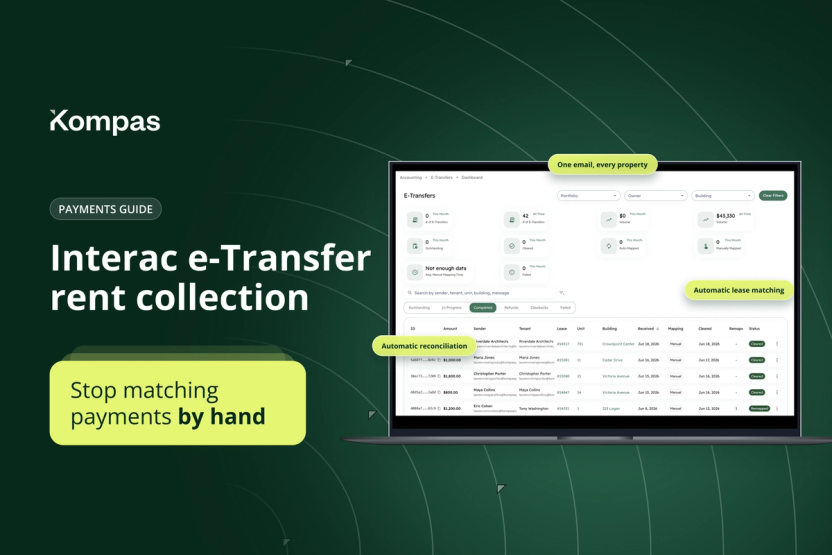
Collecting rent online in Canada: PAD vs Interac e-Transfer, and what each does to your books
Two ways to get rent in without cheques, how they differ on control, failed payments and matching, and what to set up before your first online rent run.
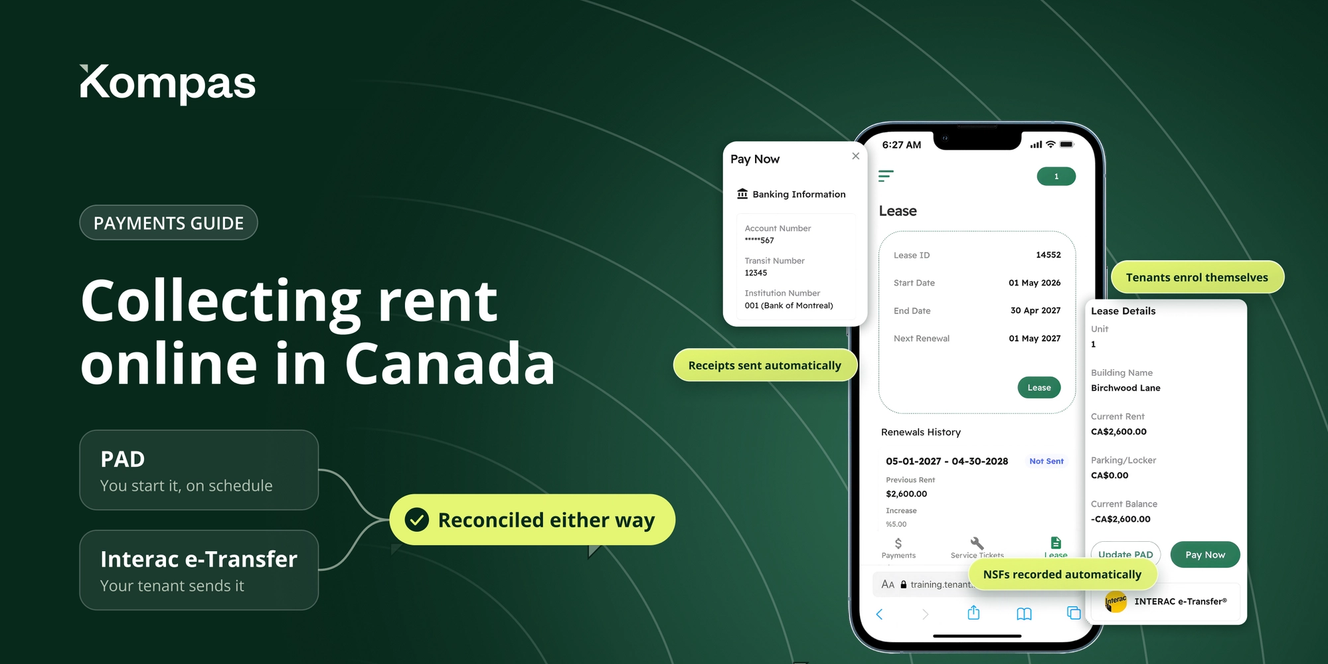
Collecting rent used to mean cheques, a deposit run and a spreadsheet. Today most operators collect online, and the choice comes down to two methods: pre-authorized debit (PAD) and Interac e-Transfer. Both work. They differ in who starts the payment, what happens when it fails, and how much matching they leave for your team.
What are the ways to collect rent online in Canada?
The two main ways are pre-authorized debit, where you pull rent from the tenant's bank account on a set date, and Interac e-Transfer, where the tenant sends the payment. Cheques and cash still exist, but they create the most manual work.
| PAD | Interac e-Transfer | Cheque or cash | |
|---|---|---|---|
| Who starts the payment | You, on a set date | The tenant | The tenant |
| What you need first | A signed PAD agreement from the tenant | An e-Transfer email address that receives payments | Nothing, but someone makes a deposit run |
| Can it fail for insufficient funds? | Yes (NSF) | No, the money has left the tenant's account when it arrives | Yes, for cheques |
| Matching work | Low: you know whose account you pulled from | Medium to high, unless matching is automated | High: every deposit is entered by hand |
| Best for | Predictable monthly rent | Tenants who prefer to pay on their own | Exceptions |
What is pre-authorized debit (PAD) for rent?
A PAD lets you withdraw rent directly from a tenant's bank account on a schedule, once they have signed a PAD agreement. It is the most predictable way to collect, because the payment starts on your side.
How PAD works in Kompas
- One agreement per lease: split rules let roommates each pay their share.
- Automatic pulls: recurring rent is pulled on schedule, with no manual step.
- Full balance by default: a PAD pulls the full outstanding balance, not just the month's rent. You can set a lease to pull only the rent or a fixed amount.
- The tenant's choice: pulls can run on dates you choose if a tenant doesn't want the first. PAD is never mandatory, and tenants can enrol themselves.
- Same-day settlement: rent collected on the first business day lands in the owner's account that same day.
- NSF handling: if a pull fails for insufficient funds, Kompas records the NSF, reverses the payment, notifies the tenant and the property manager, and can charge an admin fee you set.
How does Interac e-Transfer rent collection compare?
With e-Transfer, the tenant is in control. They send rent when they choose, and the money has already left their account when it arrives. The trade-off is matching: each payment has to be tied to the right lease.
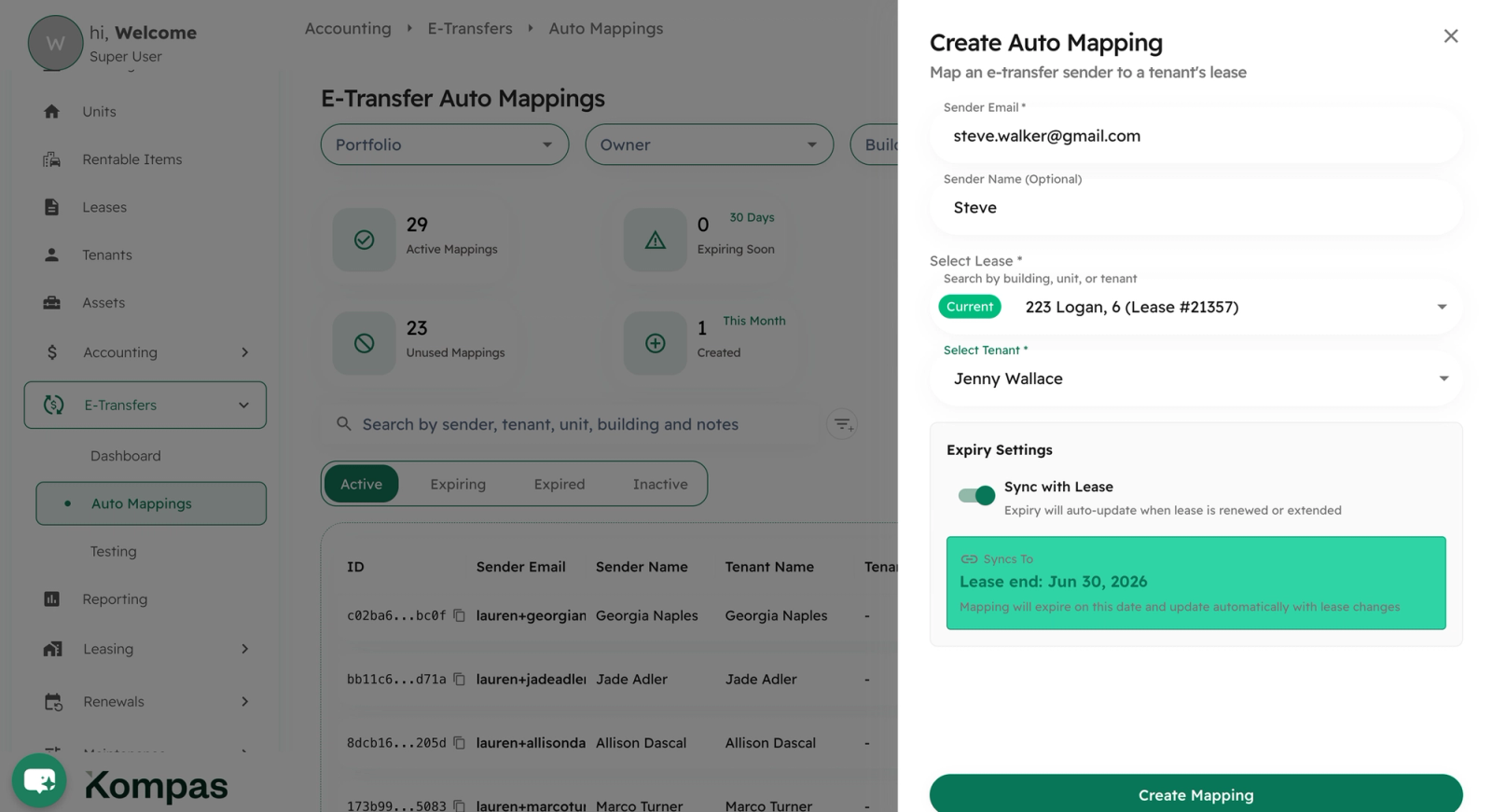
In Kompas, tenants pay from the tenant portal by e-Transfer or PAD, with no third-party app. A payment that carries the tenant's reference code, or comes from a sender with a saved rule, is matched to the lease automatically. Anything else waits in a queue with suggested matches. Our guide to Interac e-Transfer rent collection covers the matching in detail.
Which method reconciles itself?
In Kompas, PAD, EFT and Interac e-Transfer payments all reconcile automatically when they clear. Cash and cheques are recorded as manual deposits and marked reconciled by hand.
“Collection is easy. Reconciliation is the job.”
Collecting rent was never the slow part. Matching it to leases and reconciling it to the bank is. That's why the method matters less than whether the payment lands in the ledger already matched. When a payment clears, Kompas also emails the tenant a PDF rent receipt.
What happens on the first of the month?
At midnight on the first, Kompas generates rent charges for every active lease, pulls PAD payments and posts recurring entries.
What should you set up before you start collecting rent online?
Five things: merchant approval, a bank account for each owner, PAD agreements, tenant portal invitations and notifications.
- Merchant approval: online payments need your organization approved through Kompas's payment processor. The Kompas onboarding team manages the application; you supply the documents, so start early.
- A bank account per owner: each is mapped to its own ledger account, and settlements are routed by payment method and building.
- PAD agreements: one per lease, with split rules where there are roommates.
- Portal invitations: the tenant portal is opt-in. A tenant needs an email on file and an invitation before they can pay from it.
- Notifications: decide who on your team is told about payment events.
Watch the first of the month run in Kompas, from rent charges to reconciled payments.
See it liveFrequently asked questions
Neither is better for everyone. PAD is more predictable for the landlord because you start the payment. Interac e-Transfer gives tenants control. Many portfolios support both and let each tenant choose.
A PAD that fails because the tenant's account lacks funds is an NSF. Many landlords charge a fee where the lease and provincial rules allow it. Kompas records the NSF, reverses the payment, emails the tenant and the property manager, and can charge an admin fee automatically.
No. Tenants pay from the tenant portal in a web browser, by e-Transfer or PAD.
In Kompas, EFT and PAD payments settle the same day, and an e-Transfer settles the same day it is mapped to a lease.
Yes. Kompas generates a PDF rent receipt and emails it to the tenant when the payment clears.
As of October 2026, Kompas's published fees are $1.00 per EFT or PAD transaction and $1.50 per Interac e-Transfer. The landlord or property management company pays them, not the tenant. Plans are listed on the pricing page.
Not today. Kompas supports PAD, EFT and Interac e-Transfer, plus cash and cheques recorded as manual deposits.
Newsletter
GET THE NEXT GUIDE IN YOUR INBOX
Practical guides for property managers on accounting, payments and leasing. One email a month.